Answer
Jun 12, 2025 - 02:45 PM
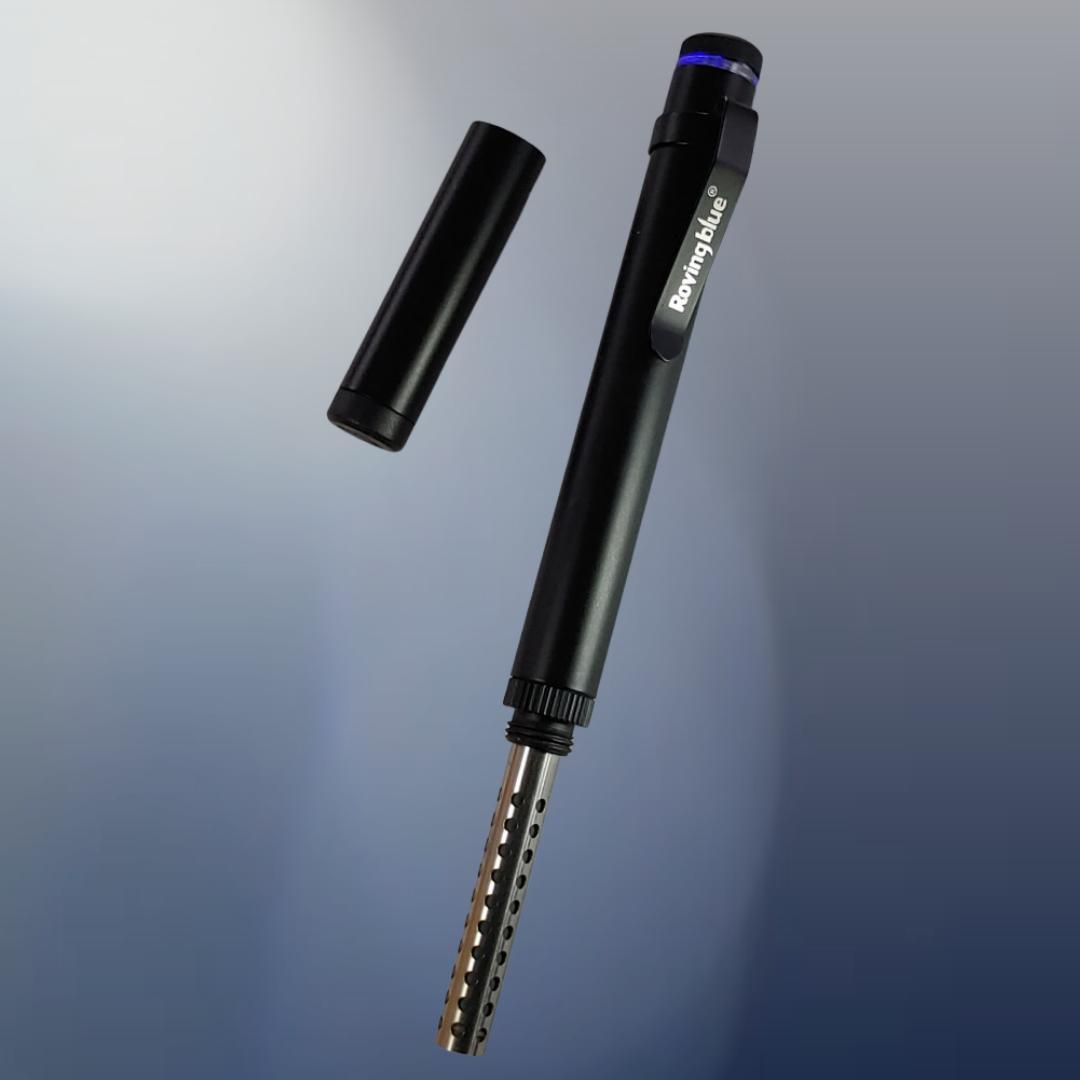
You’ll know your Roving Blue Ozo-Pen® is charging when you plug it in and the LED indicator lights red. When the Ozo-Pen is fully charged, the LED will turn green.
If the charging light does not come on when you plug it in, first check the USB cable and power source. If the Ozo-Pen still does not indicate that it is charging, contact Roving Blue for troubleshooting help.
Source: RB staff




Add New Comment